In today’s digital world, Remove Background images play a major role in online communication, branding, marketing and social media marketing content creation.If you are running an e-commerce store, blogs, creating Youtube thumbnails or posting design on social media platform, clean and professional images can make a huge difference in it.One of the most common editing task that mostly people can do is removing the background from any type of image.
In the past, removing background images required advanced editing and very expensive softwares.But, today artificial intelligence can make this process easier, faster and more accurate than before.Today, every beginner can remove any background from the image by using online tools and good editing skills within a seconds.Background removal helps isolate the main subject of a photo while eliminating unwanted objects or distractions.
This article can explain every single step to remove the background from the image within seconds, the tools that can be used for this purpose, and the benefits of background removal for content creator, businesses and digital marketers.
Why background removal is important?
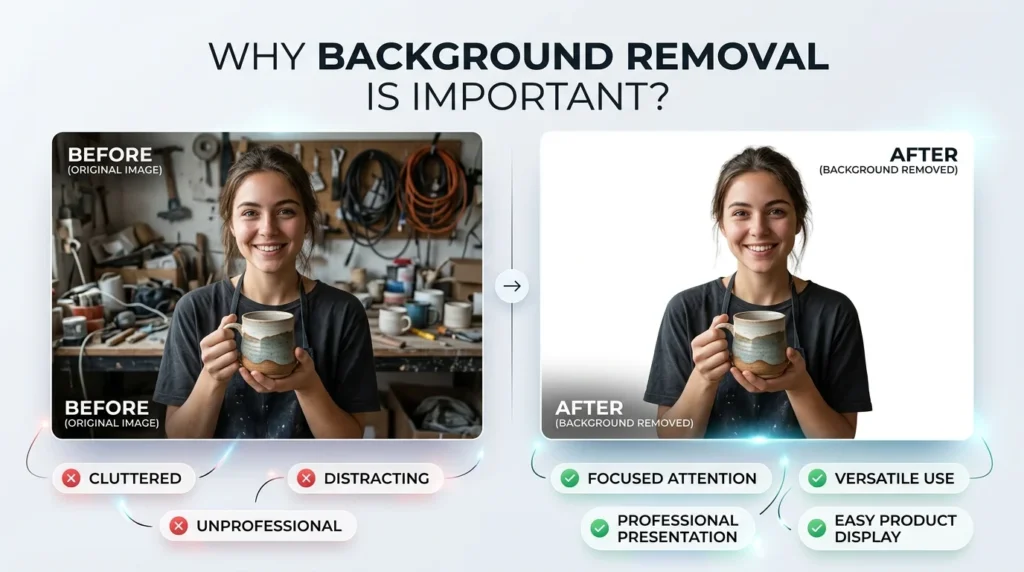
Background removal is an essential part of digital image editing because it improves the overall image apearance.Clean images help businesses present products more effectively and allow content creators to design visually attractive graphics.
For example, e-commerce brands can post their images with mostly used transparent or white background to make their image clean and clear.Graphic designers also use background removal techniques when they are creating banners, posters, and promotional materials.
Removing background also allows their users to keep them transparent, place an object instead of that, combine multiple images and create transparent PNG files for various design projects.
Traditional background removal method
Before AI tool became popular, mostlty background removal task has been done manually by using advanced tools or advanced editing software. Program such as Adobe Photoshop can be mainly used for this purpose.
Manual editing required users to carefully select the subject using tools like the Pen Tool, Lasso Tool, or Magic Wand Tool. This method can provide the accurate result, but they consumed a large amount of time and also strong editing skills.
Complex images like image with hairs, shadows and similar background color can make editing process more challenging for the designer.Beginners usually found manual background removal difficult because it involved patience, precision, and technical knowledge.
But these professional software can still offer high quality editing capabilities, but mostly users or professional may prefer AI for the background removal, because it can do every single step automatically.
AI Powered background removal tools
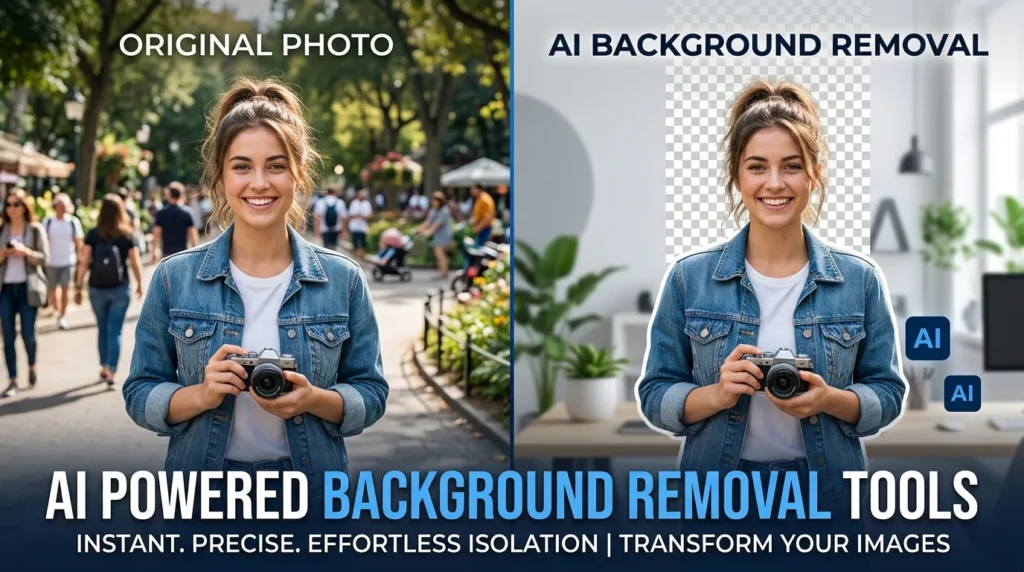
Artificial inrtelligence can properly change the way for the image editing works.AI powered tools can automatically detect the main subject and then separate the background within a seconds.
One of the most popular tool for this purpose is Remove.bg. This platform can allow their user to upload a image and instantly generate a transparent background version.The AI can automatically detect the every single step and complete it within seconds and make a user friendly relation.
Another widely used platform is canva which can allow their user a background remover feature for design projects.Content creators often use Canva to create social media graphics, presentations, and thumbnails after removing image backgrounds.
The users who need more advanced tools for this purpose, then they can use Adobe photoshop, because newer version can have AI based selection tools that can makes the process fast.
Fastest online method to remove background
The fastest method for removing image backgrounds is using AI-powered online background remover websites. These platforms are designed for simplicity and speed. This process can involve only a few steps. Firstly, the user can upload an image to the website. Then the website can analyze it, then understand the main subject of it and then remove the background and add transparency automatically.Finally, user can download the edited image through it with a transparent background.
This entire process often takes less than ten seconds. Unlike traditional editing methods, users do not need technical knowledge or editing experience.
Online tools that can especially useful are;
- Product photography
- Social media graphics
- YouTube thumbnails
- Marketing materials
- Profile pictures
- Website banners
Removing background using mobile apps
Smartphones can alos remove background from the image.Many mobile applications now offer automatic background removal features powered by AI.
Apps like Picsart and photoroom are commonly used for the removal of background on mobile devices.These apps can allow their user to edit a image directly from their mobile devices without using a computer.
Mobile background remover apps are popular among social media influencers, freelancers, and online sellers because they provide quick editing solutions while on the go.
Users can upload selfies, product photos, or portraits and instantly create transparent backgrounds suitable for Instagram posts, online stores, or promotional content.
Best file format after removing background
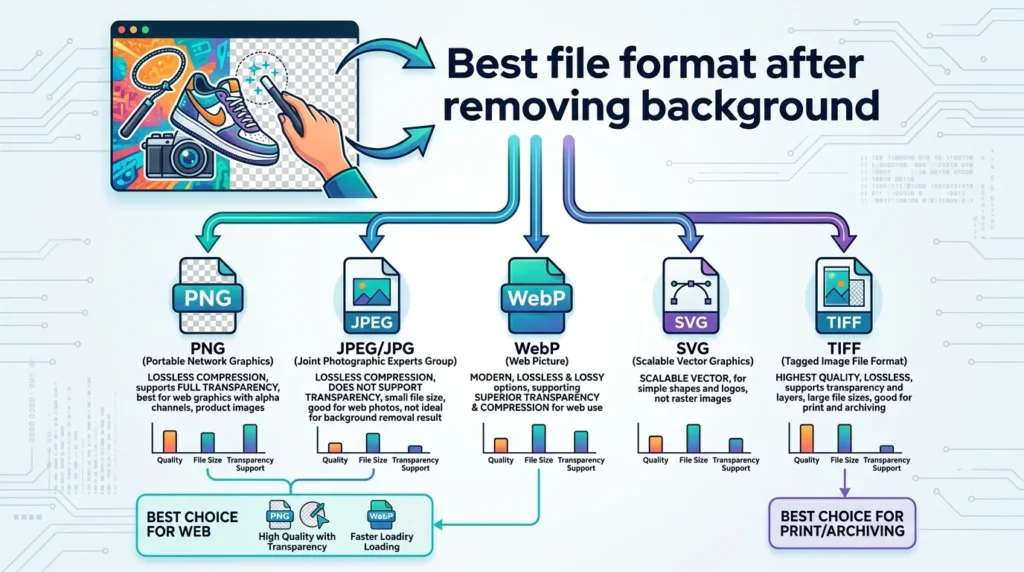
Choosing a correct file format is important after removing an image background. Most users can prefer the PNG format because it can support transparency.
A transparent PNG image allows users to place the subject on different backgrounds without showing any white or colored edges. This format is commonly used for:
- Logos
- Product images
- Website graphics
- YouTube thumbnails
- Social media posts
The others format file cannot support the transparency background, that’s why PNG format can be used for this purpose.
Some advanced editing software also supports PSD and SVG formats for professional editing purposes.
Tips for better background removal result
Although, AI can work automatically, but image quality still affect on the final result. By using high quality usually produces more clean and accurate result in background removal.
The images that can have clear results with accurate lightning can be easily for AI to process and produce good results, but if the image is blurry,then it is difficult for AI to produce a good or accurate background removal image.
For professional looking results, users should
- Use high-resolution images
- Ensure proper lighting
- Avoid cluttered backgrounds
- Use PNG format for transparency
- Refine edges if necessary
Some tools also provide manual editing features that allow users to fix mistakes and improve details after automatic background removal.
Benefits of using AI background removal tools
AI-powered background remover tools offer many advantages as compared to traditional editing methods.
Faster Editing:
AI tools can remove background within seconds, saving time for creator and businesses.
Beginner Friendly:
No adanced skills are required for it, even the beginner can also make a professional looking results quickly and easily.
Cost Effective:
Many online tools can provide the facility of free version or free affordable subscription plans that can reduce the need of buying expensive editing software.
Improved Productivity:
Businesses and content creators can edit large numbers of images quickly, improving workflow efficiency.
Professional Results:
Modern AI tools can provide the mostly accurate and clean results that can make the image professional and interesting.
These advantages have made AI background removal tools extremely popular across multiple industries.
Common use of background removal
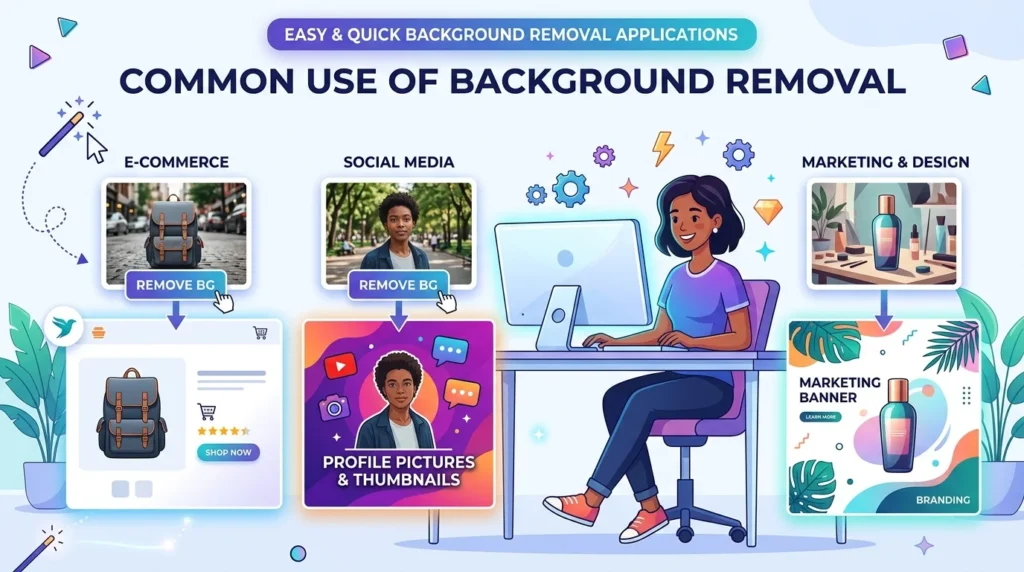
Background can be widely used in many fields and industries, the list of the following are given in the below:
.eCommerce businesses use transparent product images to create professional online stores. Graphic designers remove backgrounds when designing advertisements, brochures, and banners.
.Freelancers and digital marketers also use transparent images in presentations, client projects, and branding materials.
.Social media influencers use background removal to create attractive profile pictures, reels, and promotional posts.
Conclusion:
Removing background from the images may become easier, simple and more accessible with the help of AI powered tools.In the past, a work that can carry a lot of time for removing background can be done today in just seconds. It can be possible with the help of modern AI tools only.
By using simple tools, you can easily remove a background within a seconds and also makes the image looks clean and professional.As digital content continues to grow, clean and visually appealing images will remain essential for online success. Learning how to remove backgrounds efficiently can help creators save time, improve branding, and produce high-quality visual content for websites, social media, and marketing campaigns.
It can help in saving a lot of time and provide those tasks just in seconds that takes a lot of time in the past.