That annoying moment when you try to add a logo to Transparent PNG Maker, and something like a white rectangle gets in the way of your design coming together nicely? We have all experienced that.
Everyone that has a logo has probably had the annoying presence of a white box. So whether you are an Etsy seller, a small business owner, or an educator creating worksheets, or someone that just wants a cute profile picture, we all could use a transparent PNG. And you don’t need to pay for any of this like Photoshop to get a transparent PNG.
Transparent PNGs are easier to make now than they ever have been and they are free if you know how to do it. This guide is going to go over transparent PNG maker tools, how to remove an image background in just seconds, and even the professional methods of AI that you could use to give yourself the best results.
Understanding Transparent PNG’s
Tired of images being limited to white or some other annoying color? Tired of the box that comes with the image, taking up room with that new giant white box with nothing in it? JPEG images are annoying for that reason. Image boxes get carried over onto the rest of the design. Worse yet, it is a big unsightly annoying box.
A professional looking image design is way more fun to work with. PNG has the ability to support an invisible ‘alpha channel’, which basically means that the background is entirely transparent and invisible.
A transparent image background creator is a worthy investment in the following areas:
- Creating a professional logo that can be branded on a water bottle, business card, or a website is easier.
- Neat images with a transparent background look cuter, more appeal, and ultimately help sell products.
- Carefully designed and printed images of shirts, mugs, or phone cases look more appealing and sell better.
- YouTube or overlay stickers and channels make excellent use of a PNG.
The Problem with “Free” Tools
Let us be honest: the internet is full of lies. You search for a background remover, and suddenly you hit a paywall.
“Free download available!” (Just kidding, it is 199px wide).
“No account needed!” (Just kidding, we need your credit card).
“No watermark!” (Just kidding, we put a giant logo on your face).
If you want a create PNG without Photoshop experience that is actually free, you have to know which tools to pick.
Top 5 Free Transparent PNG Maker Tools (Tested 2026)
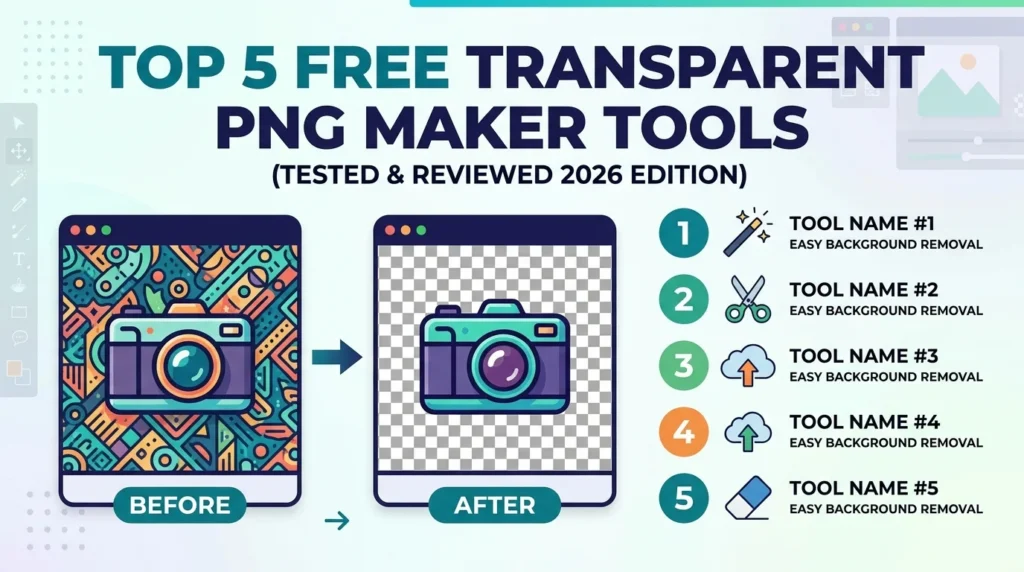
If you want to know which tools are worth using for creating free transparent PNGs, read below as I tested these tools for you.
Pixlr (Best for Desktop & No Watermark)
This tool is the next best thing as it feels like software running on your computer, but it’s completely online. Pixlr allows you to remove backgrounds hassle-free as there is no watermark or signup barrier.
- The Catch: It is funded by ads.
- Best For: High-resolution downloads (up to 4096×4096).
Pixelcut (Best for Mobile & Unlimited)
Surprisingly, the “generosity” award goes to Pixelcut. You can remove backgrounds for free any number of times with HD exports.
- The Catch: For mobile only.
- Best For: Social media managers.
Adobe Express (Best Quality)
Yes, there is a free plan. Their AI is used to handle tougher things like glass and hair. No one does it better.
- The Catch: You are limited to a certain number of “generative credits” in a month.
- Best For: Professional bloggers and pure Designers.
Pixotter (Best for Privacy)
Most tools upload your image to a server. Unlike the rest, Pixotter uses WASM and its in your browser, so it does all processing locally.
- The Catch: Processing speed may be slower on your computer.
- Best For: Doctors, lawyers and anyone with sensitive pics to edit.
UnlimitedBG (Best for Batch Processing)
If you have to edit a whopping 100 photos at a time, this is the tool for the job. Upload unlimited images with no file size or resolution limits. Plus, the tool works offline!
- The Catch: A newer tool, so it has fewer bells and whistles.
- Best For: Photobooth operators and higher volume Etsy shops.
Three-Second Process for Removing Background
You don’t need a rocket science course to learn how to do this. Let’s use Adobe Express to demonstrate the online background remover process:
- Go to the tool: From Adobe express, find the free transparent png maker.
- Upload: Drag and drop your file (jpg or png)
- Watch the magic: Just like that the AI removes the background
- Download: Click download and save as png
Here’s a Pro Tip, do this with a high-quality photo with a subject in clear focus front and center. If your background is clear or subtle, the background will be removed with perfection.
How to get the perfect edges (Avoid the Fuzzies)
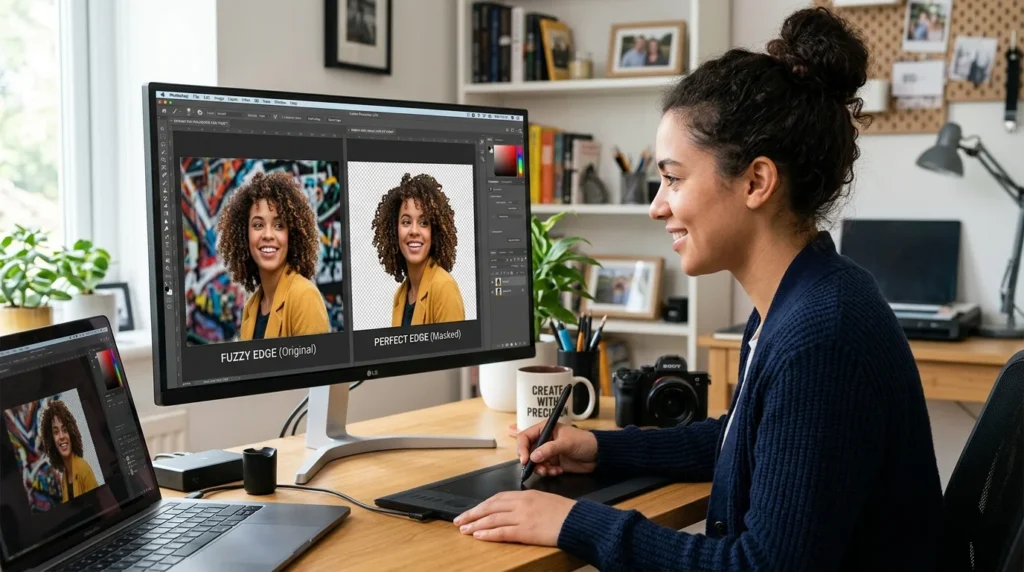
AI slaps, but it’s not perfect. If you’re troublin with a transparent background photo and the edges appear like you’re a lego piece, here’s how to fix that:
- Zoom In: Always check the hair or product edges at 200% zoom
- High contrast is your friend: Let’s say you’re in a black shirt in front of a black wall; the AI will get baffled, so, wear a contrasting color
- Manual Touch-Ups: If you use a tool like Pixlr or GIMP, use a soft brush to “feather” the edge slightly. This softens the transition.
PNG vs. JPEG: A Quick Comparison
It is important to know when to use these formats.
| Feature | PNG (The Pro) | JPEG (The Standard) |
|---|---|---|
| Transparency | Yes (Invisible Backgrounds) | No (White or Black Box) |
| Quality | Lossless (Perfect quality) | Lossy (Gets blurry over time) |
| File Size | Large (Heavy) | Small (Light) |
| Best For | Logos, Graphics, Text, Icons | Photos for websites, Email attachments |
If you want to create PNG without Photoshop, always choose PNG for logos and cutouts. Use JPEG for regular photos where you do not need transparency.
Conclusion
You do not need a $50 monthly Photoshop subscription to look like a pro. The AI tools available in 2026 make it possible to make PNG transparent online in less than five seconds.
Whether you choose Adobe Express for quality, Pixlr for desktop power, or Pixelcut for mobile speed, the power to create professional graphics is now 100% free.
Ready to clean up your images? Try one of the free transparent PNG maker tools above, and let me know in the comments which one worked best for you