


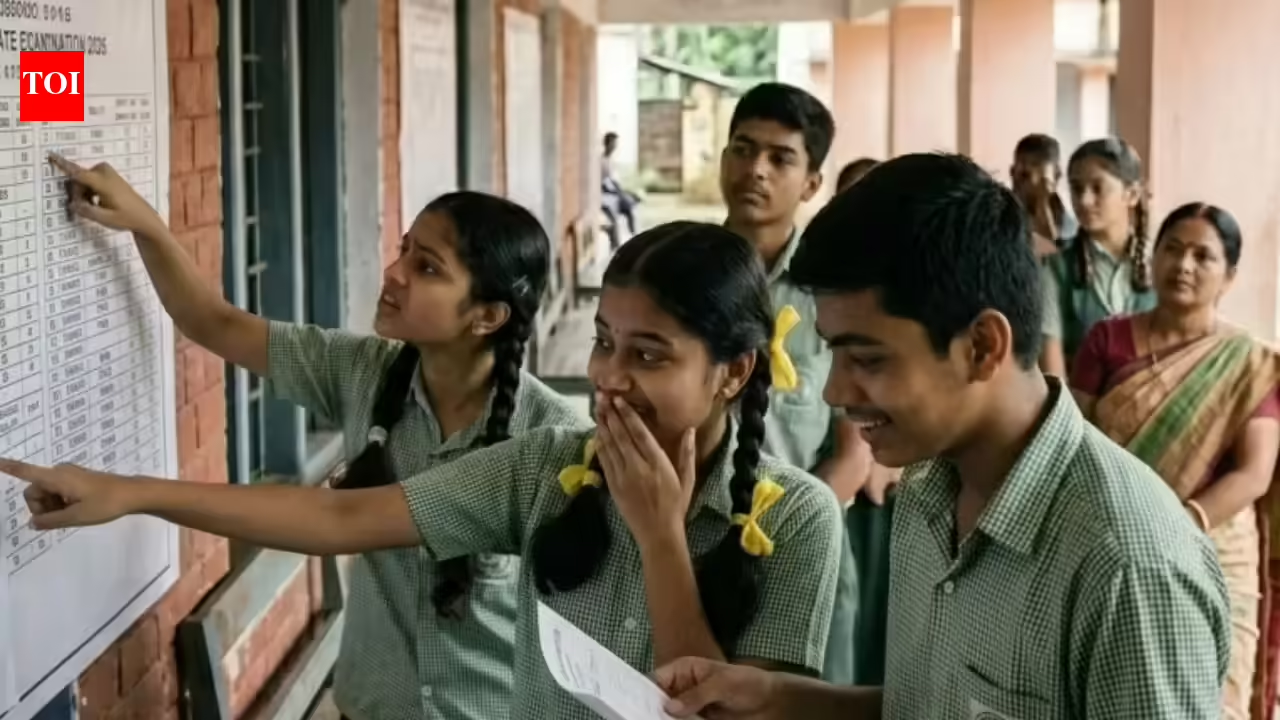

The Board of Secondary Education, Odisha has officially announced the Class 10 (Matric) Result 2026, recording an impressive overall pass percentage of 95.33 per cent. The result link is now live on the official portals, and students can check and download their marksheets online.Around 5.44 lakh students had registered for the examination this year, out of which 5,26,306 appeared and 5,19,251 students successfully passed the exam. The results reflect a strong overall performance across the state.A major highlight this year is the performance of 3,310 students who scored 100 per cent marks, marking a record number of perfect scorers in the Odisha Class 10 results.Among districts, Gajapati emerged as the top-performing district with a remarkable 99.31 per cent pass rate, followed by other strong-performing districts such as Ganjam, Jagatsinghpur, Jharsuguda and Kalahandi, all maintaining high success rates above 97 per cent.
BSE Odisha 10th result 2026: Steps to check on official websites
- Visit the official websites: bseodisha.ac.in or bseodisha.nic.in
- Click on the link “Odisha Annual Examination Result 2026” on the homepage
- Enter your roll number and date of birth
- Submit the details to view your result
- The provisional marksheet will appear on the screen
- Check all details carefully and download or print it for future use.
- Direct link here
BSE Odisha 10th result 2026: How to check on DigiLocker
DigiLocker remains one of the primary platforms for accessing official academic documents. Students can retrieve their Odisha Class 10 marksheets by following these steps:
- Visit the DigiLocker website or open the mobile application
- Sign in using registered mobile number or Aadhaar credential
- New users must complete a one-time registration
- Navigate to the ‘Education’ or ‘Issued Documents’ section
- Select the Board of Secondary Education, Odisha from the list of issuers
- Enter the required details such as roll number and examination year
- Submit the information to access the provisional marksheet
BSE Odisha 10th result 2026: How to check on UMANG
The Umang App offers another option for checking results. Students need to log in, search for Odisha board services, select the result section, and enter their credentials to view scores.
BSE Odisha 10th result 2026: How to check through SMS
For those without internet access, the SMS facility has been activated. Students can type OR10 followed by their roll number and send it to 5676750. The result will be delivered to the registered mobile number.